I've had a PS5 since launch. I buy games on sale, open some of them, most never. I bought the same game three times before I realized that was a problem. I built the app to know what I own, and it quickly turned out the more interesting part is what it all cost.
Your games. Your money. Your time.
Your collection with cover art from RAWG, the real cost per game and in total, hours played and a release calendar. Import your whole library from Steam, Xbox, PSN or Playnite. No account and no ads, your collection stays on your phone.
Two quick sums for gamers.
How much money is sitting on your shelf?
Games you bought and never started.
What does an hour of gaming cost you?
For one game or your whole collection.
PS5 Vault works this out automatically for your whole collection. Get it free →
Everything I was missing in other trackers.
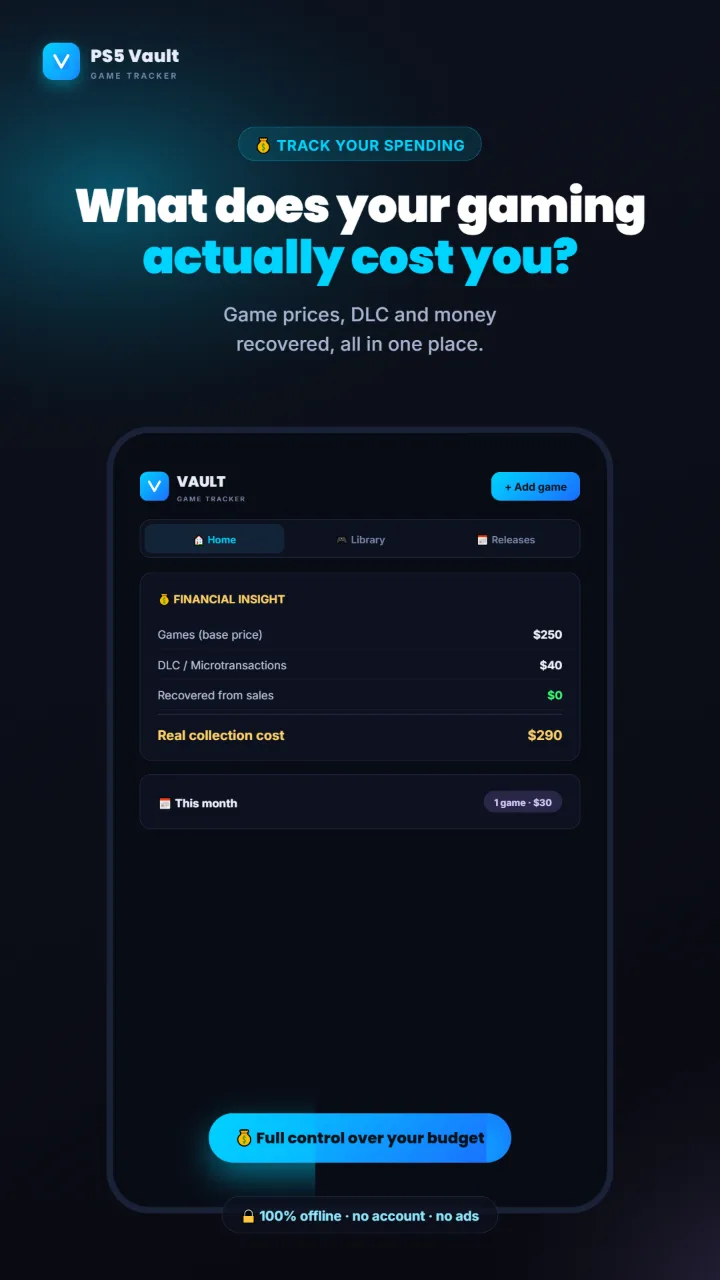
Finances with the real cost
A separate tab. Free: the real cost of your collection and this month's spending. Pro: cost per hour, ROI on games you sold, a year forecast and spending charts by store and genre. You see which game was your best investment per hour played.
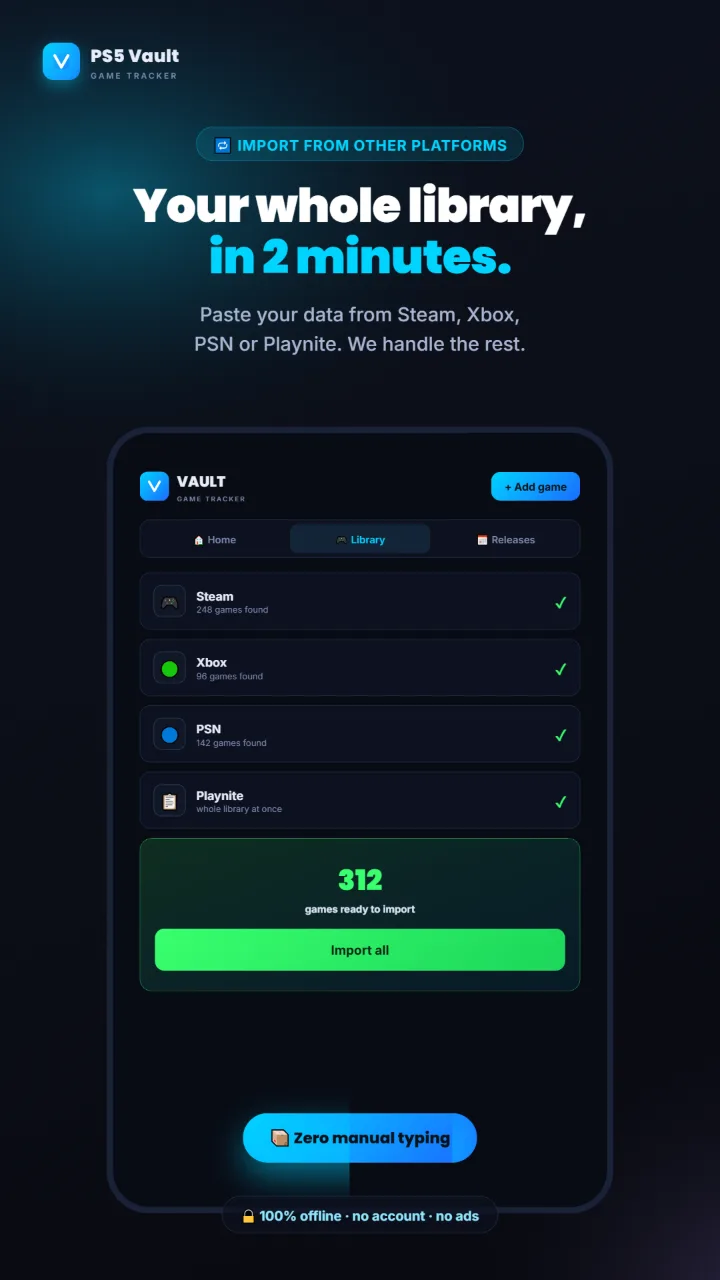
Import your whole library
Paste or upload an export from Steam, Xbox, PSN or Playnite. The app matches games against the RAWG database and sets statuses from hours played and trophy progress. Hundreds of games in a few minutes. Free up to 50 games, no limit with Pro.
Releases with a countdown
Games with a release date sort themselves. Reminders a month and a week before release, in the last three days and on launch day, when you open the app. Pre-orders don't count toward the month's spending before release.
Statuses, platinums, subscriptions
Playing · Completed · Planning · Abandoned, plus a Platinum toggle 🏆 for completed games. Games from PS Plus, Game Pass or EA Play don't count toward spending. Multi-platform: PS5, PS4, Xbox, PC, Switch, Mobile.
Monthly budget
Set how much you want to spend on games each month. The app adds up what you spent on games, DLC and microtransactions this month and warns you when you go over. A Pro feature.
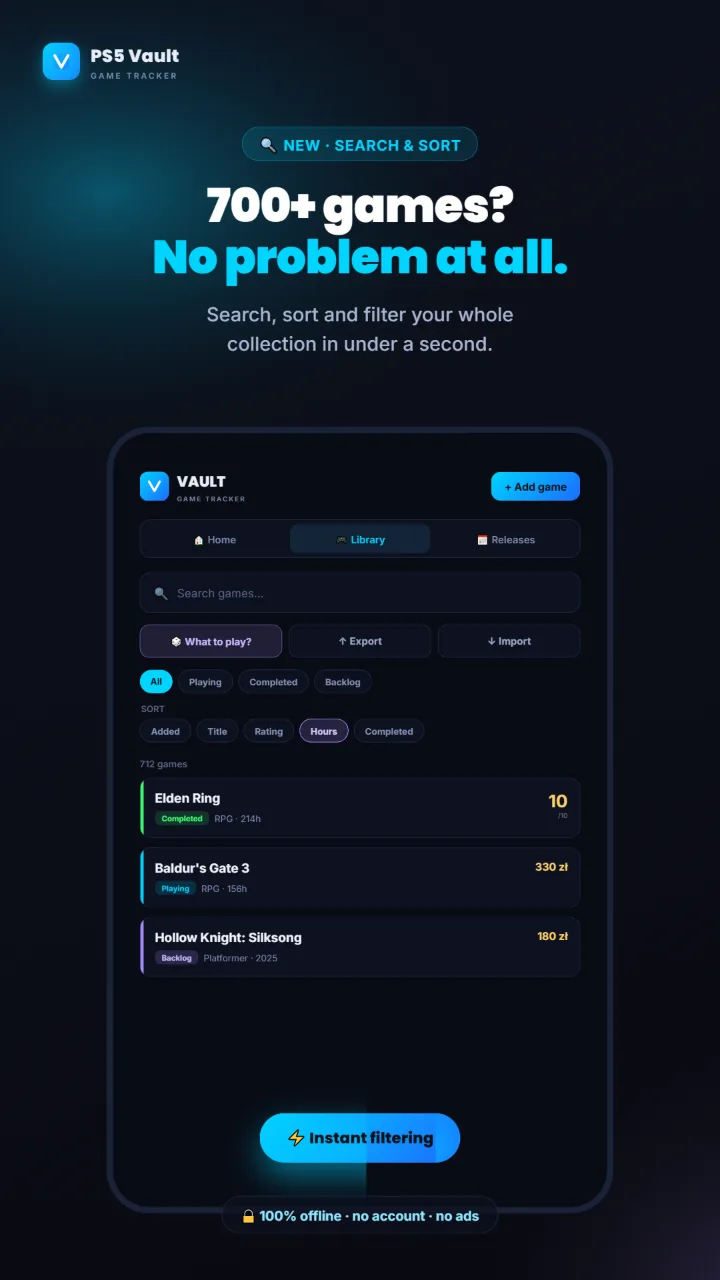
Search and sort
Search by title, filter by status, platform and source, sort by date added, rating, hours or completion date. Stays smooth even with 700+ games.
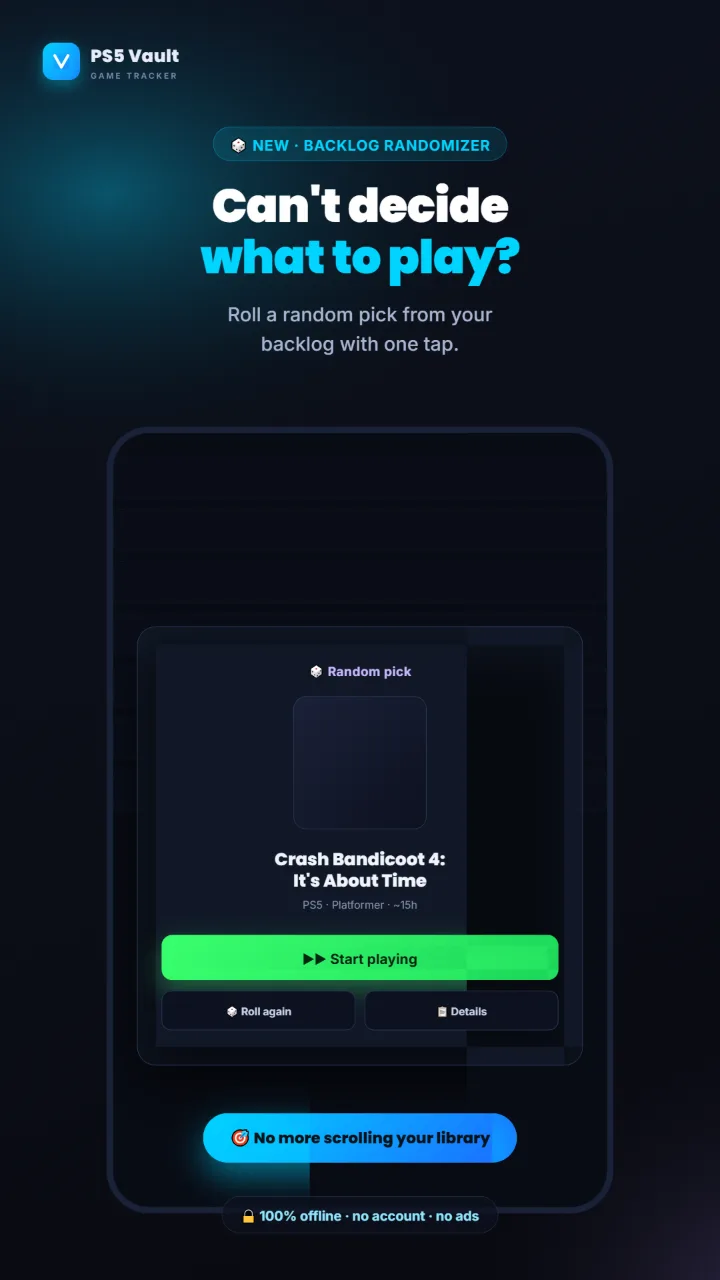
Backlog randomizer
Can't decide what to play? One tap picks a random game from the ones waiting in your queue. Mark it as Playing right away or roll again.
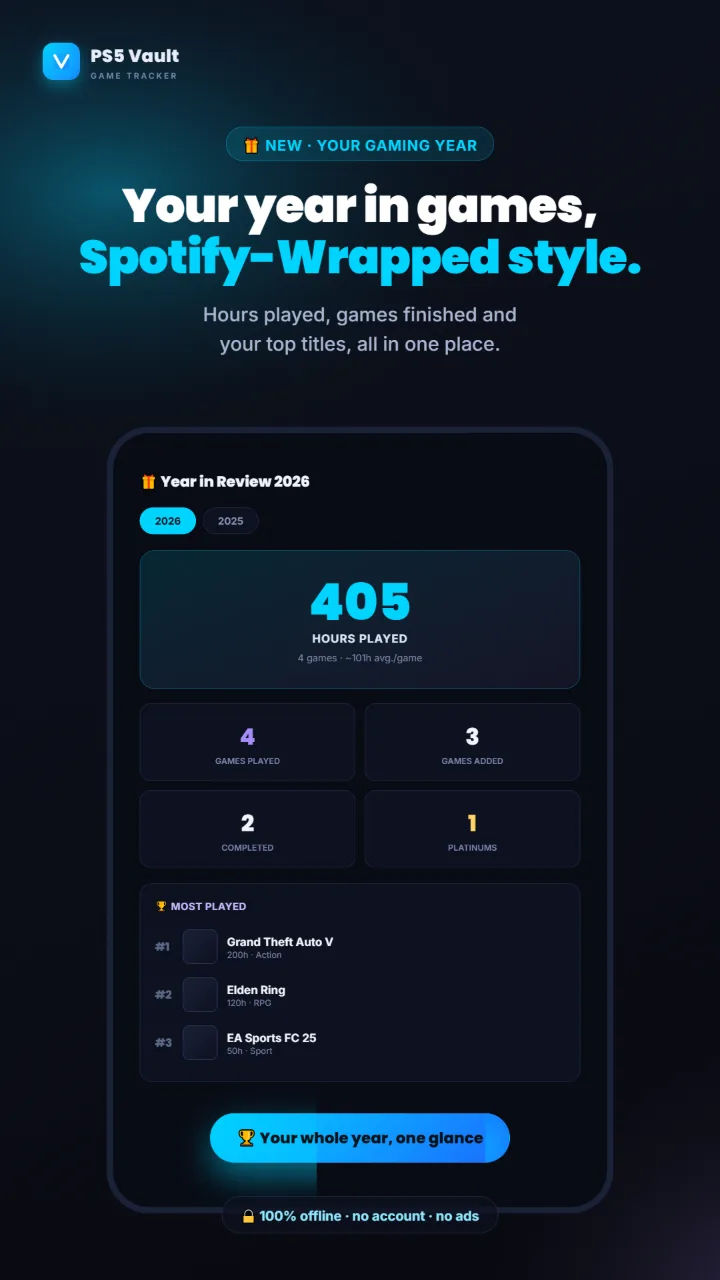
Year in Review
A Spotify-Wrapped-style recap of your year: hours, finished games, platinums and your most-played titles. Share it as an image.
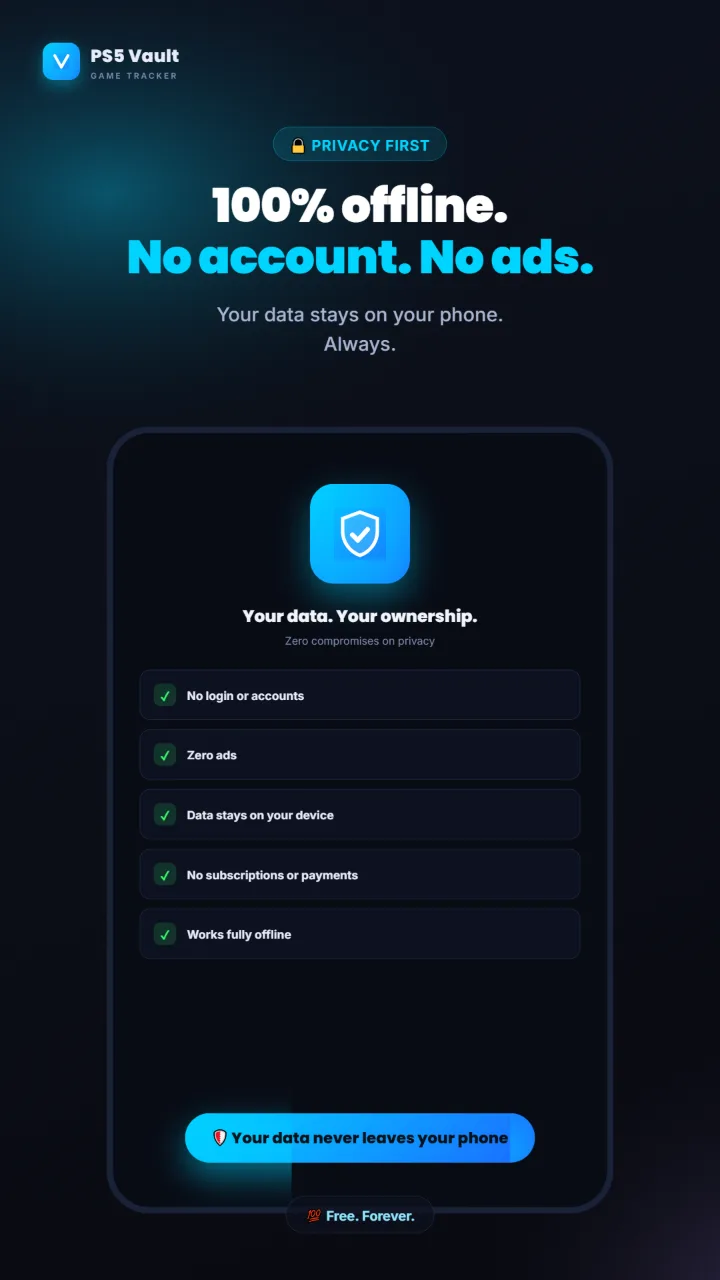
No account, no ads
Your collection lives on your phone. Export a JSON backup whenever you like and import it on another device (merge or replace). The only statistic is an anonymous Cloudflare visit counter, no cookies.
Wishlist with target prices
Add a game and the price you would pay. When you spot a sale, type the current price and the app tells you if it is time to buy. One tap checks the price on the PS Store, and once you buy, the game moves into your collection.
Pile of shame
The games you bought and never started, in one image: what they cost, how many hours they would take and which one has waited longest. Ready for Instagram or Discord.
Select many games
Long-press a game and select more: change the status or delete the whole group at once. Every delete can be undone with one tap.
Almost everything is free. Pro once, for good.
- Unlimited collection: statuses, platinums, ratings and notes
- The real cost of your collection and this month's spending
- Releases with reminders
- Import up to 50 games from Steam, Xbox, PSN and Playnite
- Barcode scanner, backlog randomizer and Year in Review
- Wishlist, pile of shame, backup export and import
- Import your whole library with no limit
- Advanced finances: cost per hour, ROI, year forecast, charts by store and genre
- Monthly budget with an alert
- Batch scanner for many boxes in a row
- You support an ad-free app built after hours
Pro is bought inside the app through Google Play. No subscription and no account. After a reinstall the purchase comes back on the same Google account.
The key features at a glance.
Frequently asked questions.
How do I check how much I spent on the PlayStation Store?
On PS5: Settings → Users and Accounts → Account → Payment and Subscriptions → Transaction History. Pick the account and a date range, and the console lists your purchases, newest first. In a browser, sign in to PlayStation Account Management and open Transaction History. Copy the amounts into PS5 Vault and the app works out the real cost of your collection and the cost per hour of gaming.
How do I work out what an hour of gaming costs me?
Divide the game price (minus what you get back by selling it) by the hours you played. A $70 game played for 50 hours costs $1.40 per hour. Use the calculator above, and PS5 Vault does it automatically for every game in your collection.
Does PS5 Vault connect to my PSN account?
No. The app never asks for your PSN login or password. You import your PlayStation library by copying the games table from psnprofiles.com, and everything stays on your phone.
Can I track Steam, Xbox and PC games too?
Yes. Import works with Steam, Xbox (via TrueAchievements), PSN (via PSN-Profiles) and Playnite, which gathers libraries from many stores. Platforms in the app: PS5, PS4, Xbox, PC, Switch and mobile.
What does PS5 Vault Pro include and how much is it?
Pro is a one-time purchase on Google Play, not a subscription. It unlocks unlimited import, advanced finances, the monthly budget and the batch barcode scanner. The app shows the price in your currency before you buy. Everything else is free.
Does PS5 Vault work on iPhone?
The app is on Google Play for Android. On iPhone and computers you can use the browser version: matiseekk-dot.github.io/Games. Buying Pro works only in the Google Play app.
How do I move my collection to a new phone?
In Settings choose Export data, then on the new phone choose Import data and pick that file. You can merge the collections or replace one with the other.
Free, no account and no ads.
Install it from Google Play and start adding games right away: by hand, by scanning the barcode on the box or by importing your whole library. Add Pro with a one-time purchase if you want more.
Get it on Google Play